Built from blocks
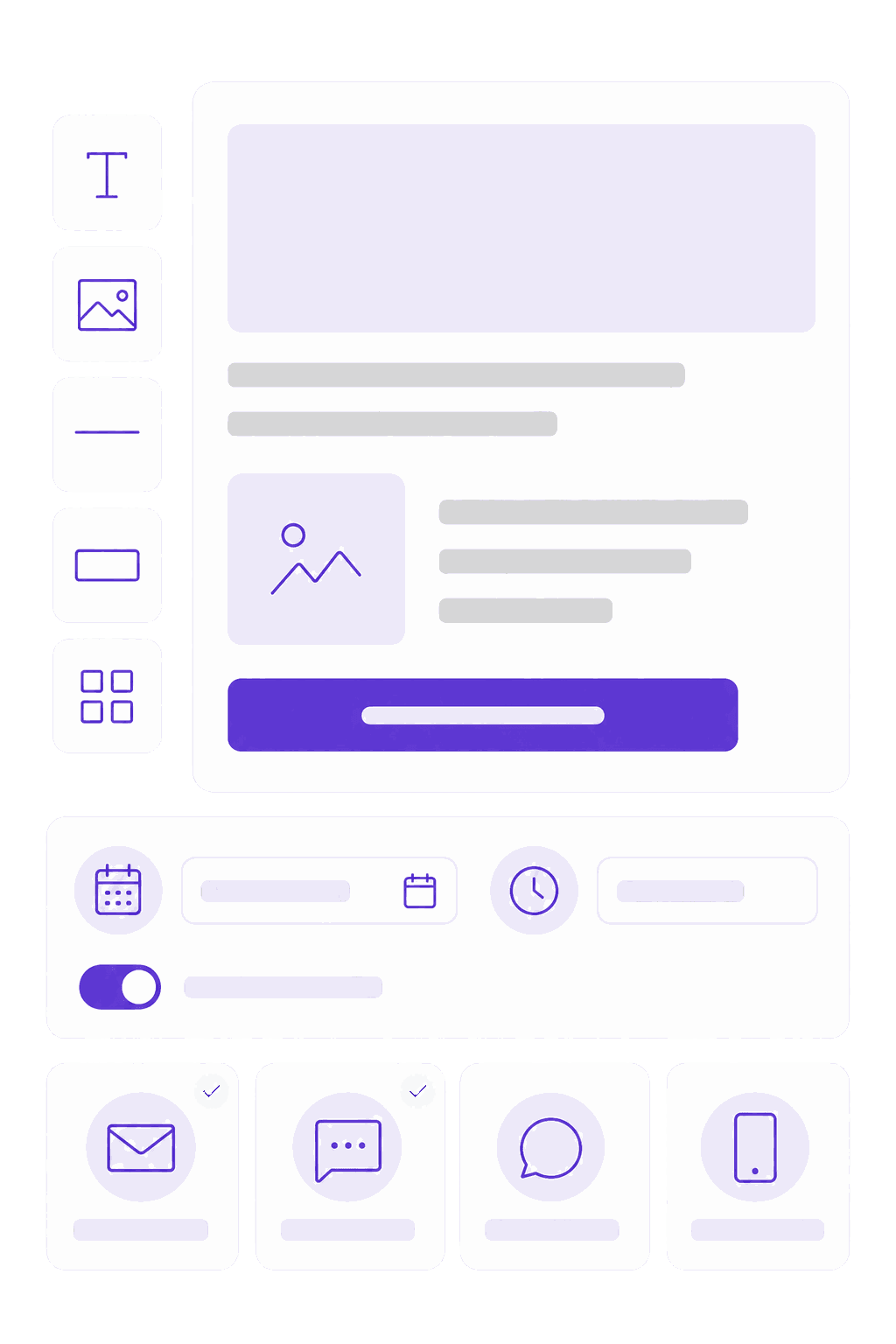
Assemble the update from text, images, buttons and dividers. It renders in your brand colors and reads correctly on a phone, with no template file to edit.
Build the update from blocks, schedule it, and send it by email, SMS, Slack or Teams. Then see open and click rates by department, so you know which teams are reading and which ones stopped. It runs on the same delivery engine that sends your training, so there is no second tool to run.
The all-staff email nobody opens is a running joke in most companies. Writing the update is not the hard part. The hard part is that once it goes out, nothing tells you whether it landed, so you write the next one on the same guesswork as the last.
The staff newsletter goes out to everyone, and the only feedback you get is the two people who hit reply.
Half the workforce has no desk and no work email, so they hear it secondhand or not at all.
The marketing team’s email tool is built around customer lists, consent and unsubscribes, which is the wrong shape for employees.
Assemble the update from text, images, buttons and dividers. It renders in your brand colors and reads correctly on a phone, with no template file to edit.
Plus WhatsApp and Workplace. Deskless staff get the update on their phone, office staff get it where they already work, and you pick the channel per send.
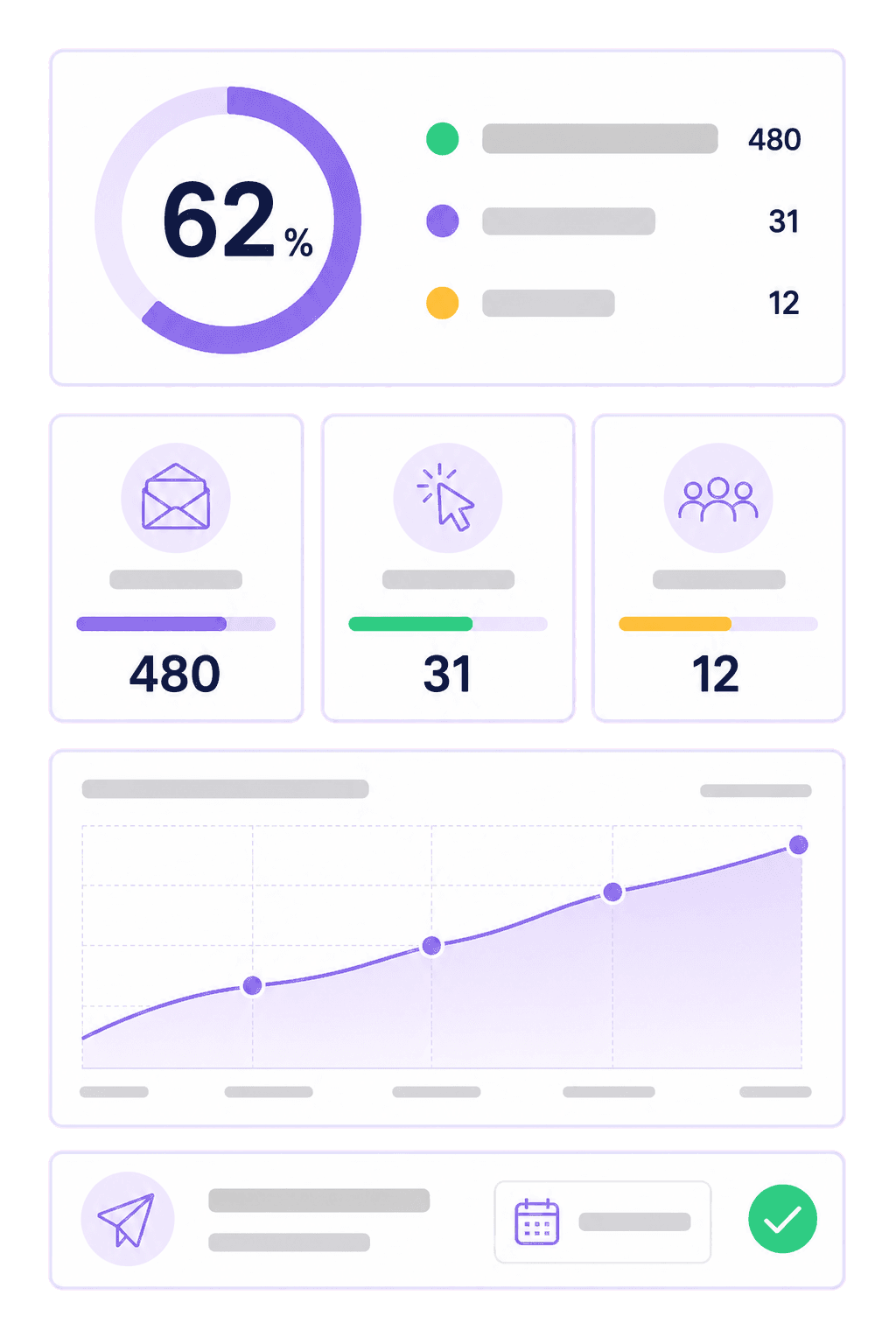
Who opened, who clicked, and which link. Broken down by team and location, so you can see which group the message is not reaching.
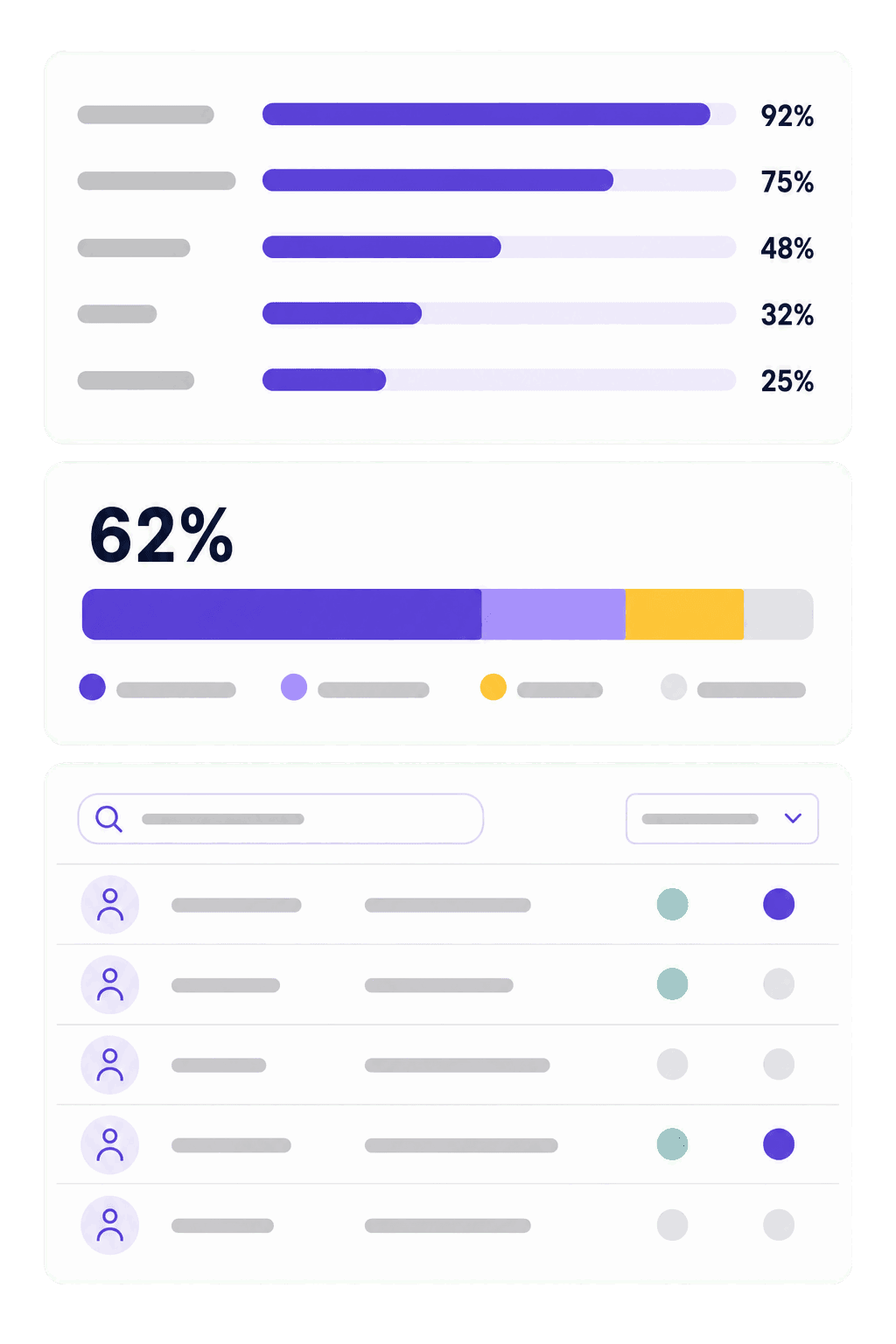
Send to a department, a role or a location without maintaining a list. New hires match the rule and start receiving the newsletter automatically.
Pricing follows the number of employees you reach, not the number of people editing. Add as many editors and reviewers as you want without the bill moving.
The same engine that delivers your training sends the newsletter. One employee list, one set of contact details, one bill.
Blocks and your brand colors. No template file to edit.
A rule, not a list: department, role or location.
Choose the channel and the time. Zelo delivers it.
Open and click rates by department, ready for the next one.
Internal communications is rarely anyone’s whole job. The tool has to be fast enough to use between meetings, or the update never goes out at all.
An open rate for one department is worth more than an open rate for the whole company. It is the difference between knowing engagement is down and knowing which location stopped reading three months ago.
Pricing follows the number of employees you reach, not the number of people writing the newsletter, so your headcount is all we need to put a real number in front of you. It arrives by email within one working day.
Protected by reCAPTCHA. Google’s privacy policy · terms
There is usually no list to migrate. Zelo builds audiences from your employee data and the rules you set, so you point a send at a department instead of importing a spreadsheet of addresses that starts going stale the day you import it. If you already run training in Zelo, the audiences exist before you write the first update.
Marketing tools are built around customer lists, consent and unsubscribes, which is the wrong model for an employee newsletter. The bigger difference is that Zelo already holds your staff, their departments and their contact details, because it delivers your training. You send to a rule instead of maintaining a second list that nobody owns.
The same way training reaches them: SMS, WhatsApp, Slack, Teams or Workplace. You choose the channel per send or per audience, so office staff get email and frontline staff get a text.
It is personal data, so it needs a lawful basis, transparency with staff and a retention period. Zelo processes it under the GDPR, and most organizations already cover internal communications monitoring in their employee privacy notice. Worth confirming with whoever owns that on your side.
There is no upper limit. We work with organizations from around 150 employees up to tens of thousands, and the delivery engine is the same at both ends. Tell us your headcount and we size it from there.
No. Newsletter is sold as its own module, so you can run it as a standalone employee newsletter platform. It gets more useful alongside the training modules, because audiences and contact details are shared, but nothing requires them.
Pricing follows the number of employees you reach, not the number of seats, so you can add as many editors and reviewers as you want without the bill moving. Tell us your headcount and we will come back with a price. Newsletter is also included in the Suite tier, alongside the course builder and the LMS.
Book a 30-minute demo. Bring a recent all-staff email and we will rebuild it in the editor, send it to a test audience, and show you the reporting it would have produced.
30 minutes · bring a recent update if you have one