Phishing, hands-on
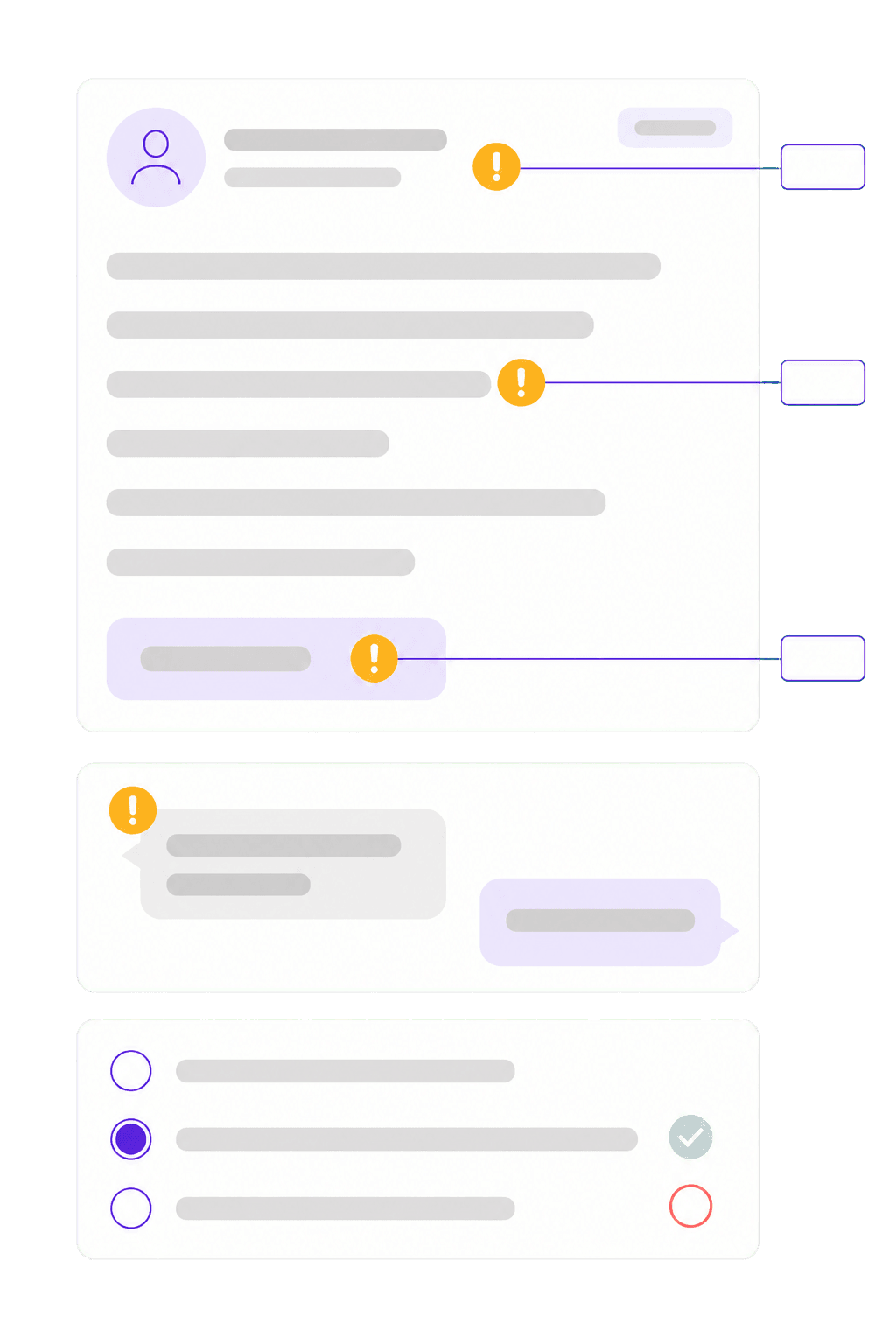
The learner gets a convincingly built email and has to point out the warning signs themselves. Then the same on SMS and QR codes, which is where the attempts actually come from now.
A worked-through 40 to 50 minute course on phishing, passwords, multi-factor authentication and handling data and devices. Hands-on exercises where the learner has to spot the warning signs themselves, and a final test with a 75 percent pass mark. You decide who needs it, Zelo sends it out and documents that it was taken.
Security awareness usually falls between IT and HR. IT knows the subject but should not be building courses. HR knows training but not phishing. What you get is a slide at an all-hands that nobody can document afterwards.
An insurer, a customer or an auditor asks for documented security training, and you have meeting minutes.
The course you found is an hour of video that frontline staff never get through.
Even if everyone took it last year, nobody knows who has to take it again this year.
The learner gets a convincingly built email and has to point out the warning signs themselves. Then the same on SMS and QR codes, which is where the attempts actually come from now.
Why reused passwords are the real problem, what multi-factor actually stops, and how passkeys work in practice.
What can be shared where, what happens when a phone goes missing, and how to handle documents outside the office.
Why reporting a mistake quickly matters more than never making one. The part people remember afterwards.
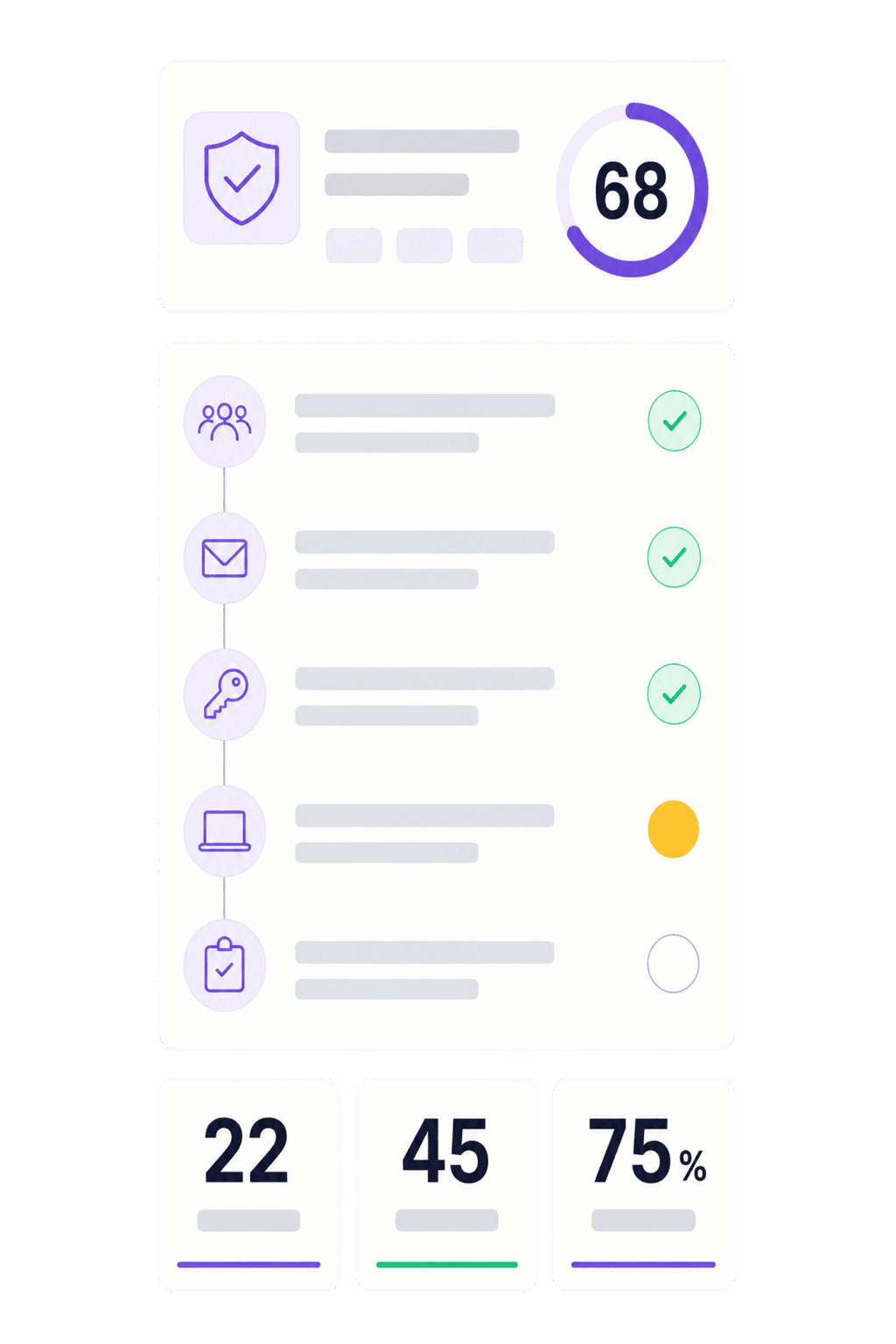
Ten questions at a 75 percent pass mark. If the learner does not pass, the course can be retaken.
The course is written around the tools people actually use, and can be adapted to your own reporting routines and contacts.
It is finished. No production time, no script rounds.
Everyone, or a rule per department and role.
Email, SMS or Teams. People without a work email get it on their phone.
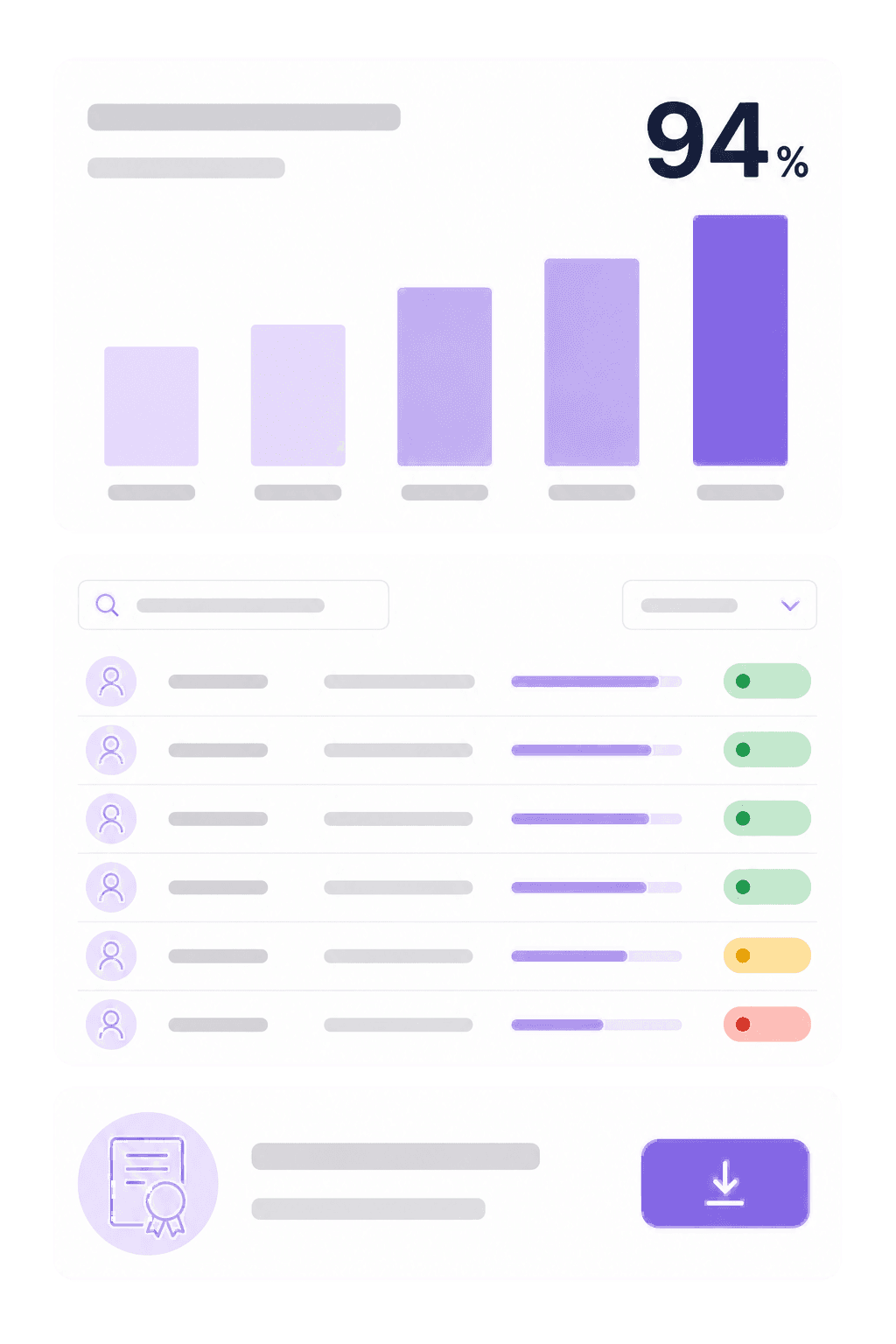
Completion and test results are logged, and renewed next year.
People do not learn to recognize phishing by having it explained. They learn it by seeing an email that looks right, and getting it wrong once somewhere safe.
Completion is the question you get after something has happened, or when a customer works through their supplier requirements. Knowing the course was sent is not an answer.
Tell us how many employees need the course and we will send the price and an outline of what it covers, screen by screen. It comes back by email within one working day.
Protected by reCAPTCHA. Google’s privacy policy · terms
Forty to fifty minutes, across 22 screens. Most people do it in one sitting, but the course remembers where they were, so it can be split without starting over.
Yes. The course is finished as a starting point, and parts of it can be rewritten to point at your own reporting routines and contacts. Faster than producing from scratch, and more useful than a fully generic course.
Yes. The course runs in the phone browser and can be sent by SMS to people without a work email. Completion is recorded the same way as for everyone else.
The course can be delivered as a SCORM 1.2 package and run on the platform you have. You lose the automatic renewal and the follow-up, but the content is the same.
No. The course is about what people do, not about how the systems are configured. Most incidents still start with somebody clicking something, and that is the part this covers.
The course is sold as its own module, priced on how many employees need it. Combined with HSE training and the rest of the platform there is a bundled option. We go through both in the demo.
Book a 30-minute demo. We walk the course screen by screen, show the phishing exercise, and set up a rollout to one department while you watch.
30 minutes · you get to see the whole course